Термоусадочное оборудование DIEBOLD - страница 16
Навигация
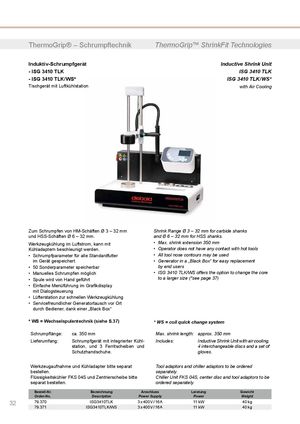 Термоусадочные машины DIEBOLD серии ISG 3430 TLK
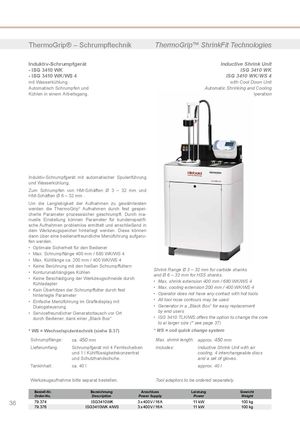 Термоусадочные машиныDIEBOLD серии ISG 3430 WK
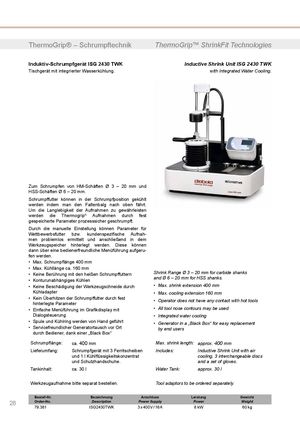 Термоусадочные машины DIEBOLD серии ISG 2430 TWK
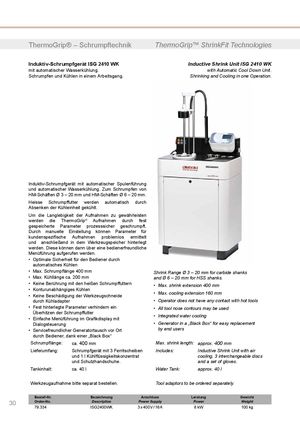 Термоусадочное оборудование DIEBOLD серии ISG 2430 WK
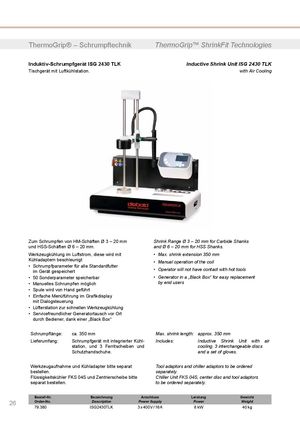 Термоусадочное оборудование DIEBOLD серии ISG 2430 TLK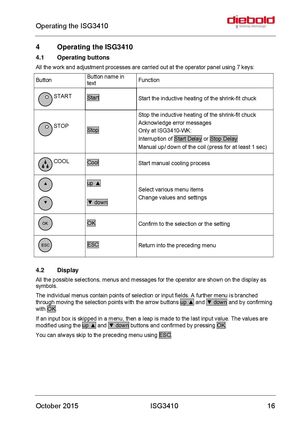
Operating the ISG3410
4 Operating the ISG3410
4.1 Operating buttons All the work and adjustment processes are carried out at the operator panel using 7 keys:
| Button | Button name in text | Function |
| START | Start | Start the inductive heating of the shrink-fit chuck |
| STOP | Stop | Stop the inductive heating of the shrink-fit chuck Acknowledge error messages Only at ISG3410-WK: Interruption ofStart Delay orStop Delay Manual up/ down of the coil (press for at least 1 sec) |
| COOL | Cool | Start manual cooling process |
| ▲ ▼ | up ▲ ▼ down | Select various menu items Change values and settings |
| OK | OK | Confirm to the selection or the setting |
| ESC | ESC | Return into the preceding menu |
4.2 Display All the possible selections, menus and messages for the operator are shown on the display as symbols. The individual menus contain points of selection or input fields. A further menu is branched through moving the selection points with the arrow buttons up ▲ and ▼ down and by confirming with OK. If an input box is skipped in a menu, then a leap is made to the last input value. The values are modified using the up ▲ and ▼ down buttons and confirmed by pressing OK. You can always skip to the preceding menu using ESC.