Координатно-измерительные машины HEXAGON серии DEA GANTRY - страница 13
Навигация
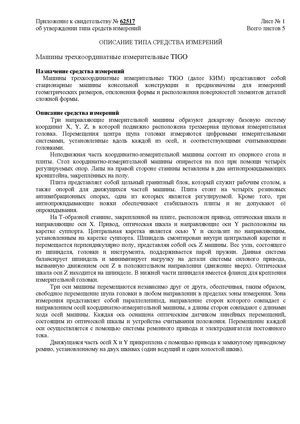 Госреестр. Описание типа СИ 64156-16 Координатно-измерительные машины HEXAGON серии TIGO
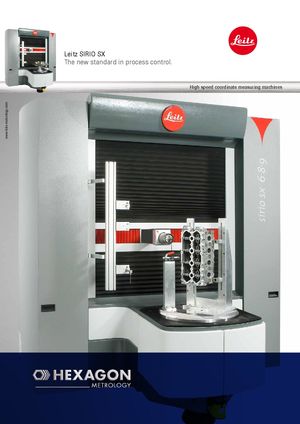 Координатно-измерительные машины HEXAGON mi Leitz SIRIO SX
 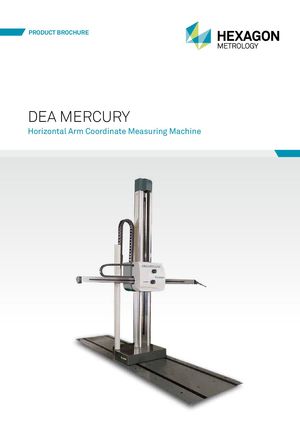 Координатно-измерительные машины HEXAGON серии DEA MERCURY
 Госреестр. Методика поверки 64156-16 Координатно-измерительные машины HEXAGON серии TIGO
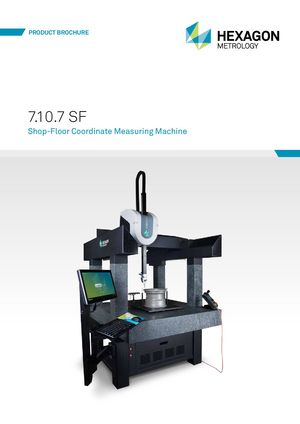 Координатно-измерительные машины Hexagon Metrology 7.10.7 SF
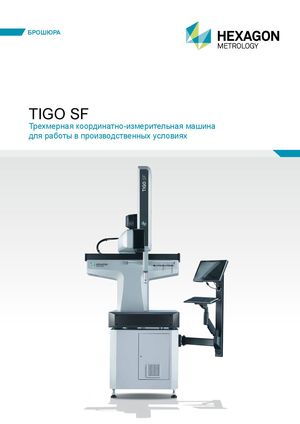 Координатно-измерительные машины HEXAGON серии TIGO SF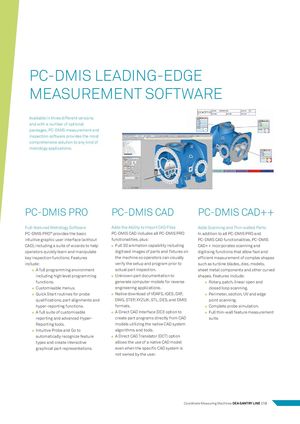
Customisable menus.
PC-DMIS LEADING-EDGE
MEASUREMENT SOFTWARE
Available in three different versions and with a number of optional packages, PC-DMIS measurement and inspection software provides the most comprehensive solution to any kind of metrology applications.
| PC-DMIS PRO | PC-DMIS CAD | PC-DMIS CAD++ | ||
| Full-featured Metrology Software | Adds the Ability to Import CAD Files | Adds Scanning and Thin-walled Parts | ||
| PC-DMIS PRO® provides the basic | PC-DMIS CAD includes all PC-DMIS PRO | In addition to all PC-DMIS PRO and | ||
| intuitive graphic user interface (without | functionalities, plus: | PC-DMIS CAD functionalities, PC-DMIS | ||
| CAD), including a suite of wizards to help | Full 3D animation capability including | CAD++ incorporates scanning and | ||
| operators quickly learn and manipulate | digitised images of parts and fixtures on | digitising functions that allow fast and | ||
| key inspection functions. Features | the machine so operators can visually | efficient measurement of complex shapes | ||
| include: | verify the setup and program prior to | such as turbine blades, dies, models, | ||
| A full programming environment | actual part inspection. | sheet metal components and other curved | ||
| including high level programming | Unknown part documentation to | shapes. Features include: | ||
| functions. | generate computer models for reverse | Rotary, patch, linear open and | ||
| Customisable menus. | engineering applications. | closed loop scanning. | ||
| Quick Start routines for probe | Native download of VDAFS, IGES, DXF, | Perimeter, section, UV and edge | ||
| qualifications, part alignments and | DWG, STEP, XYZIJK, STL, DES, and DMIS | point scanning. | ||
| hyper-reporting functions. | formats. | Complete probe simulation. | ||
| A full suite of customisable | A Direct CAD Interface (DCI) option to | Full thin-wall feature measurement | ||
| reporting and advanced Hyper- | create part programs directly from CAD | suite. | ||
| Reporting tools. | models utilizing the native CAD system | |||
| Intuitive Probe and Go to | algorithms and tools. | |||
| automatically recognize feature | A Direct CAD Translator (DCT) option | |||
| types and create interactive | allows the use of a native CAD model | |||
| graphical part representations. | even when the specific CAD system is |
not owned by the user.