Термоусадочное оборудование DIEBOLD - страница 35
Навигация
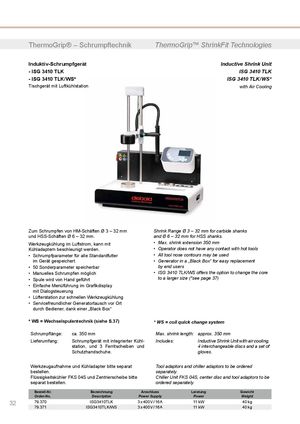 Термоусадочные машины DIEBOLD серии ISG 3430 TLK
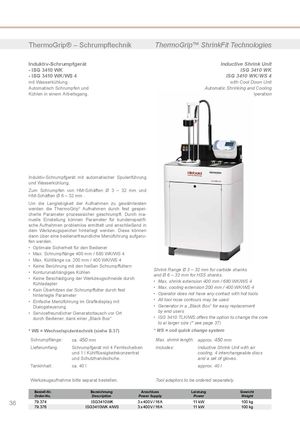 Термоусадочные машиныDIEBOLD серии ISG 3430 WK
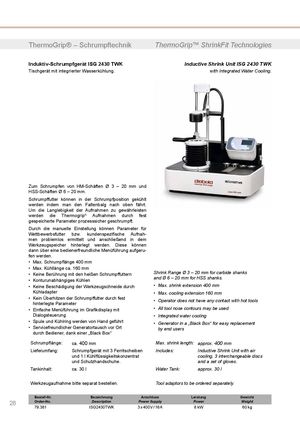 Термоусадочные машины DIEBOLD серии ISG 2430 TWK
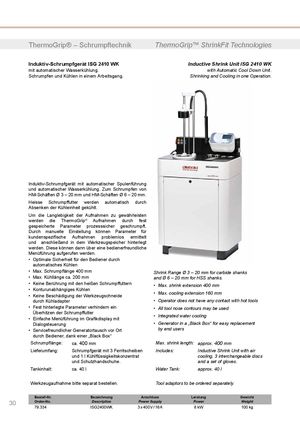 Термоусадочное оборудование DIEBOLD серии ISG 2430 WK
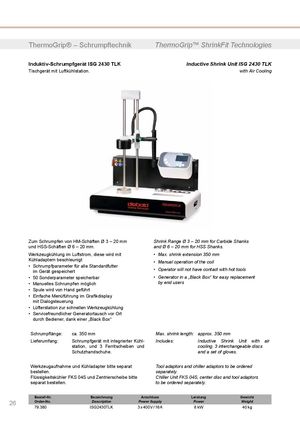 Термоусадочное оборудование DIEBOLD серии ISG 2430 TLK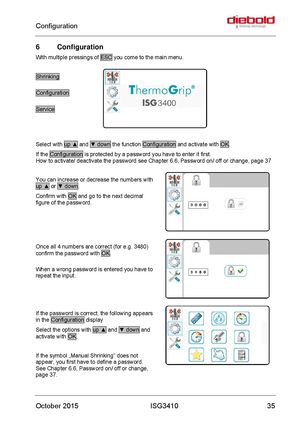
6 Configuration
With multiple pressings of ESC you come to the main menu.
Shrinking Configuration Service
Select with up ▲ and ▼ down the function Configuration and activate with OK. If the Configuration is protected by a password you have to enter it first. How to activate/ deactivate the password see Chapter 6.6, Password on/ off or change, page 37
You can increase or decrease the numbers with up ▲ or ▼ down. Confirm with OK and go to the next decimal figure of the password.
Once all 4 numbers are correct (for e.g. 3480) confirm the password with OK. When a wrong password is entered you have to repeat the input.
If the password is correct, the following appears in the Configuration display Select the options with up ▲ and ▼ down and activate with OK.
If the symbol „Manual Shrinking“ does not appear, you first have to define a password. See Chapter 6.6, Password on/ off or change, page 37.