Термоусадочное оборудование DIEBOLD - страница 28
Навигация
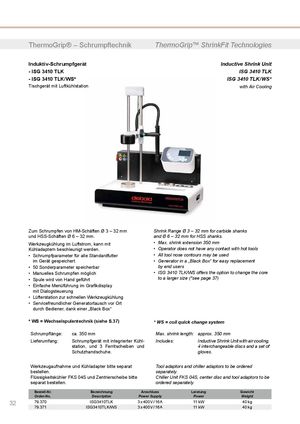 Термоусадочные машины DIEBOLD серии ISG 3430 TLK
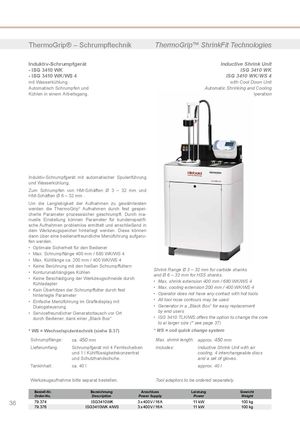 Термоусадочные машиныDIEBOLD серии ISG 3430 WK
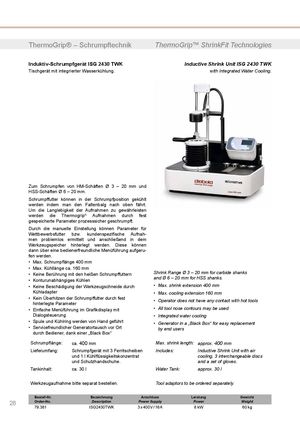 Термоусадочные машины DIEBOLD серии ISG 2430 TWK
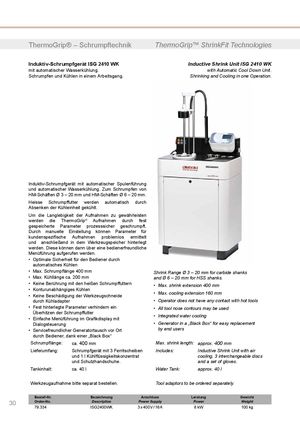 Термоусадочное оборудование DIEBOLD серии ISG 2430 WK
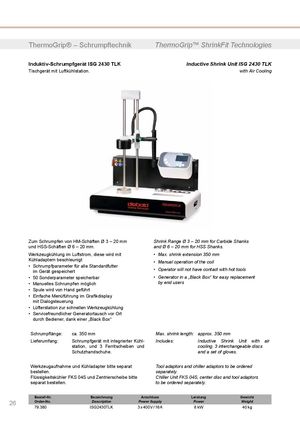 Термоусадочное оборудование DIEBOLD серии ISG 2430 TLK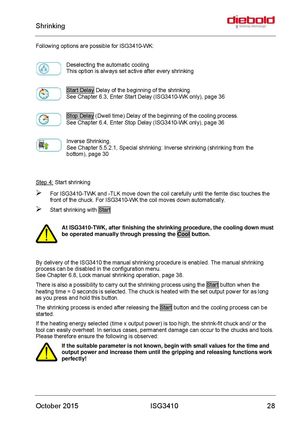
Following options are possible for ISG3410-WK:
Deselecting the automatic cooling This option is always set active after every shrinking
Start Delay Delay of the beginning of the shrinking. See Chapter 6.3, Enter Start Delay (ISG3410-WK only), page 36
Stop Delay (Dwell time) Delay of the beginning of the cooling process. See Chapter 6.4, Enter Stop Delay (ISG3410-WK only), page 36
Inverse Shrinking. See Chapter 5.5.2.1, Special shrinking: Inverse shrinking (shrinking from the bottom), page 30
Step 4: Start shrinking
- For ISG3410-TWK and -TLK move down the coil carefully until the ferrite disc touches the front of the chuck. For ISG3410-WK the coil moves down automatically.
- Start shrinking with Start
At ISG3410-TWK, after finishing the shrinking procedure, the cooling down must be operated manually through pressing the Cool button.
By delivery of the ISG3410 the manual shrinking procedure is enabled. The manual shrinking process can be disabled in the configuration menu. See Chapter 6.8, Lock manual shrinking operation, page 38. There is also a possibility to carry out the shrinking process using the Start button when the heating time = 0 seconds is selected. The chuck is heated with the set output power for as long as you press and hold this button. The shrinking process is ended after releasing the Start button and the cooling process can be started. If the heating energy selected (time x output power) is too high, the shrink-fit chuck and/ or the tool can easily overheat. In serious cases, permanent damage can occur to the chucks and tools. Please therefore ensure the following is observed: If the suitable parameter is not known, begin with small values for the time and output power and increase them until the gripping and releasing functions work perfectly!