Термоусадочное оборудование DIEBOLD - страница 24
Навигация
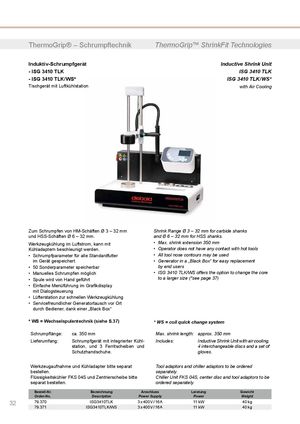 Термоусадочные машины DIEBOLD серии ISG 3430 TLK
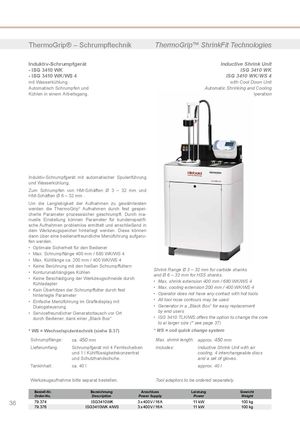 Термоусадочные машиныDIEBOLD серии ISG 3430 WK
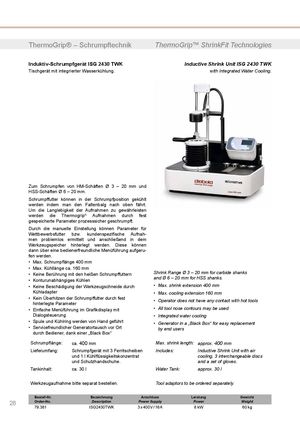 Термоусадочные машины DIEBOLD серии ISG 2430 TWK
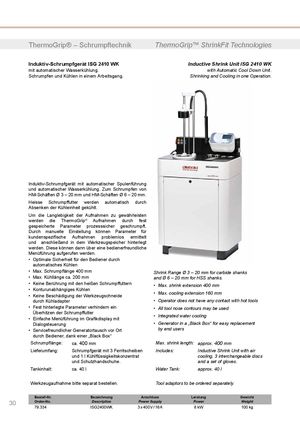 Термоусадочное оборудование DIEBOLD серии ISG 2430 WK
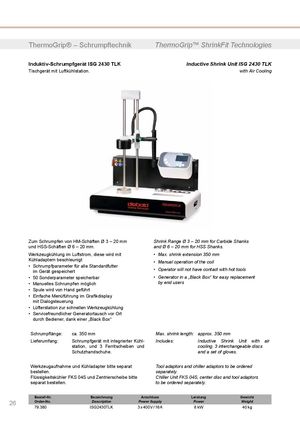 Термоусадочное оборудование DIEBOLD серии ISG 2430 TLK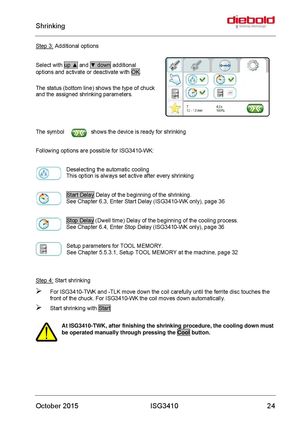
Step 3: Additional options
Select with up ▲ and ▼ down additional options and activate or deactivate with OK. The status (bottom line) shows the type of chuck and the assigned shrinking parameters.
The symbol shows the device is ready for shrinking
Following options are possible for ISG3410-WK:
Deselecting the automatic cooling This option is always set active after every shrinking
Start Delay Delay of the beginning of the shrinking. See Chapter 6.3, Enter Start Delay (ISG3410-WK only), page 36
Stop Delay (Dwell time) Delay of the beginning of the cooling process. See Chapter 6.4, Enter Stop Delay (ISG3410-WK only), page 36
Setup parameters for TOOL MEMORY. See Chapter 5.5.3.1, Setup TOOL MEMORY at the machine, page 32
Step 4: Start shrinking
- For ISG3410-TWK and -TLK move down the coil carefully until the ferrite disc touches the front of the chuck. For ISG3410-WK the coil moves down automatically.
- Start shrinking with Start
At ISG3410-TWK, after finishing the shrinking procedure, the cooling down must be operated manually through pressing the Cool button.